Option Full List
The Option Full List provides a list of all the options in the current ECU. For how to add objects see the Adding an Object section.
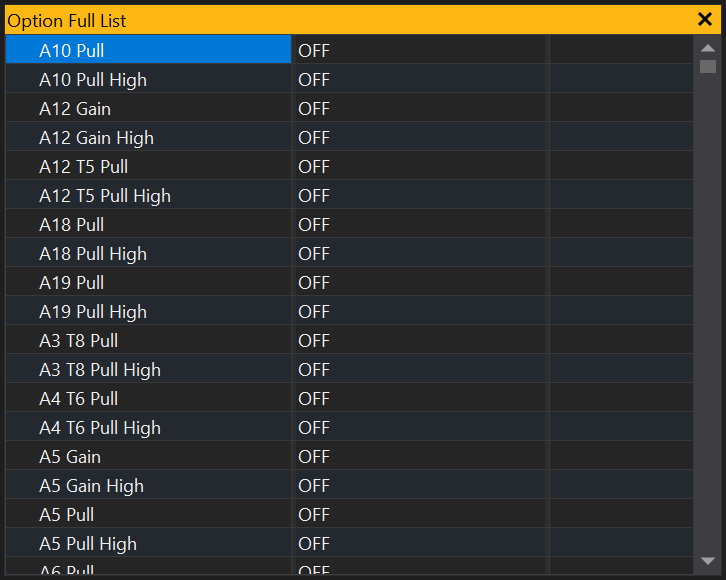
Editing an Option
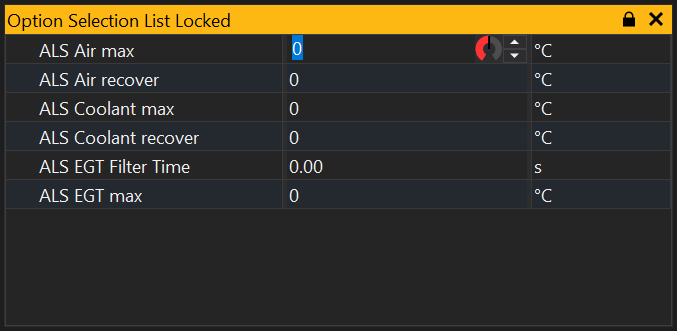
Simply click on the value that you wish to edit. You can then either type in a new value or use the dial or up/down controls to alter the value:
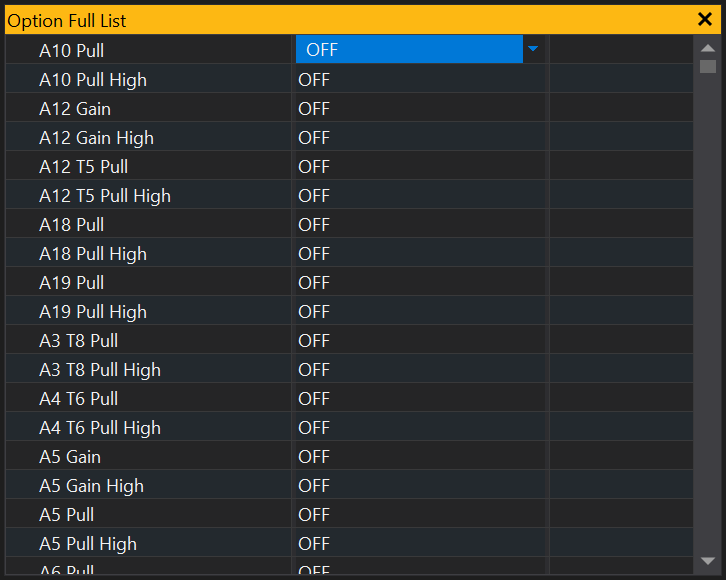
Some options which have set values will provide you a drop down list from which you can select:
If an option has a large number of set values, for example an option which has a channel as its value, click the ‘…’ button to the right of the value and you will be provided with the channel selection window.
Changing the look of the Option List
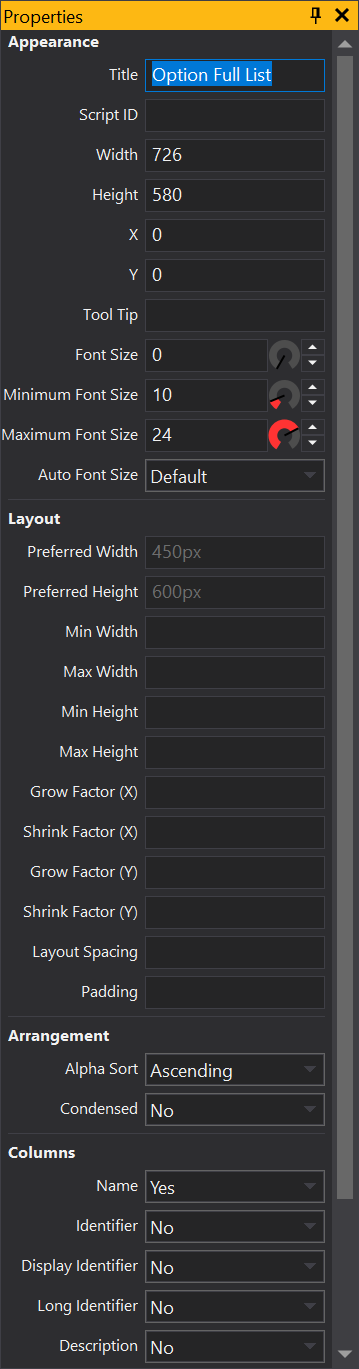
The way options are displayed can be changed. Right click on the option list and select Properties.
Alpha Sort - If ON the options are sorted alphabetically.
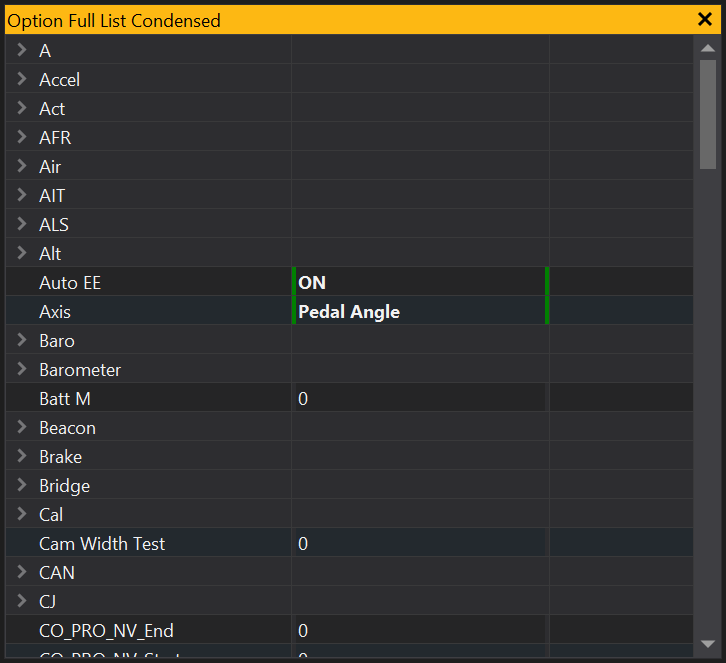
Condensed - Groups similar items in the option list. To expand a group click on the  icon on the left of the group. Click on it again to collapse the group.
On the left we have the properties window for the Full Options List, this shows the property Arrangement which has the sub properties Alpha Sort and Condensed. Then on the right we have the full options list, which you will see is in alphabetical order, and has been condensed.
View Properties
Properties editable via the properties editor.
| Property | Script ID | Description |
|---|---|---|
| Title | title |
The title of the window. |
| Script ID | id |
The scripting ID of the window. Can be used as an alternative to the title for searching for windows from scripts. |
| Tool Tip | tooltip |
Window tool tip. |
| Font Size | font_size2 |
Size of the text used in the list. |
| Minimum Font Size | min_font_size |
Minimum size of the text used in the grid with auto font size. |
| Maximum Font Size | max_font_size |
Maximum size of the text used in the grid with auto font size. |
| Auto Font Size | auto_font_size |
Automatically determine the font size based on the size of the grid. |
| Alpha Sort | sort_mode |
Sort items in the grid alphabetically. |
| Condensed | condensed |
Condenses items into groups based upon the first word in the name. |
| Name | show_col_name |
Sets whether this view should display the 'name' column. |
| Identifier | show_col_ident |
Sets whether this view should display the 'identifier' column. |
| Display Identifier | show_col_display_ident |
Sets whether this view should display the 'display identifier' column. |
| Long Identifier | show_col_long_ident |
Sets whether this view should display the 'long identifier' column. |
| Description | show_col_desc |
Sets whether this view should display the 'description' column. |
| Selected | selected |
Selected sites. |