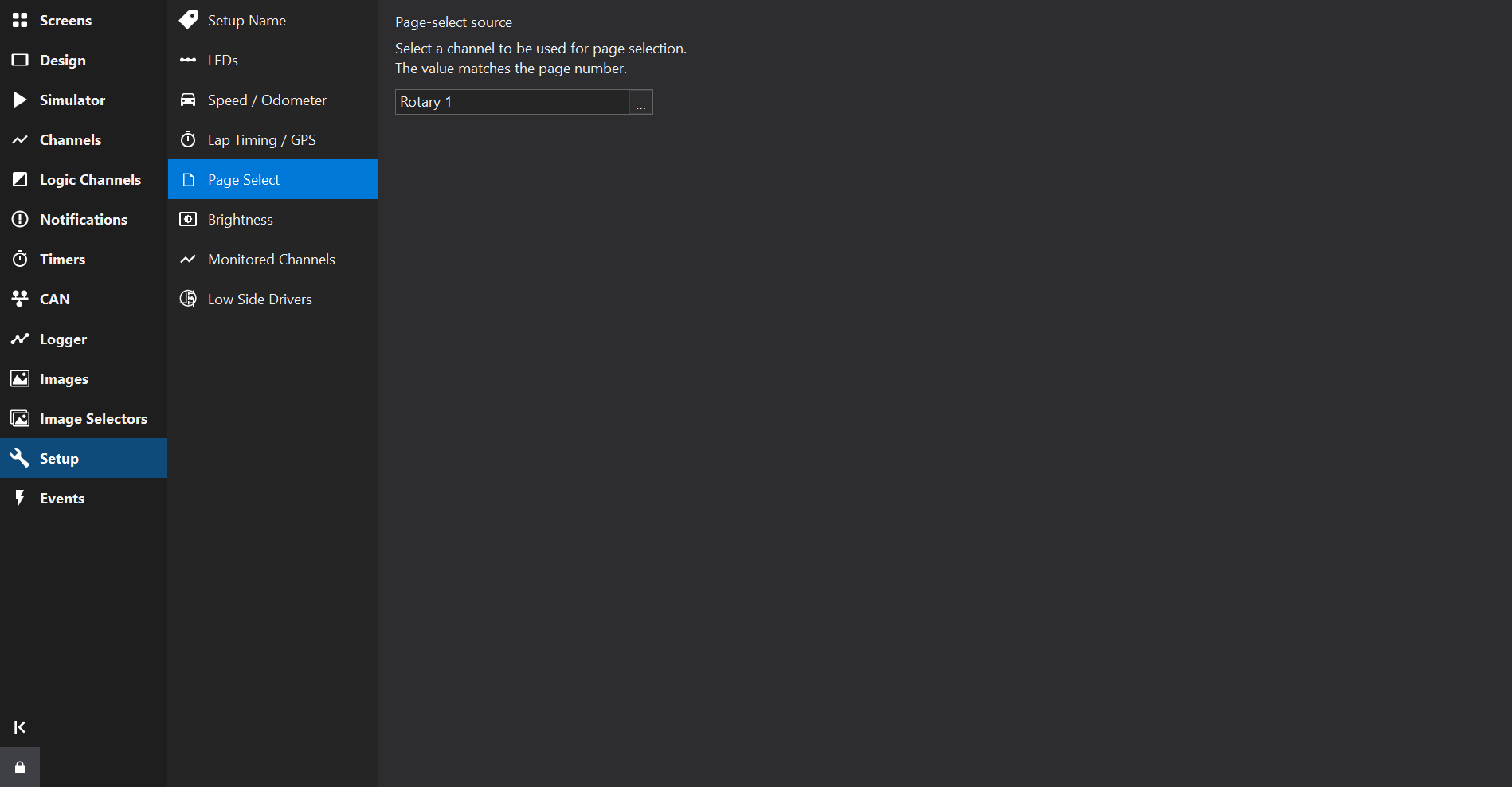
Page Select
Overview
The Page Select Tab allows a channel to be selected to change the current screen (page).
Pages are numbered starting at 1 for the first page.
When numbering options are shown beneath the page-select channel, select the input numbering:
- 0 selects page 1: 0 selects page 1, 1 selects page 2, and so on.
- 1 selects page 1: 1 selects page 1, 2 selects page 2, and so on.
Select a channel before choosing its numbering. Changing the numbering does not change the channel’s scaling or other uses of that channel. Dash Design adds a hidden conversion for page selection when the chosen numbering differs from the display’s native numbering. No firmware update is required.
The selected numbering is preserved when saving or exporting XML.
LDS4 firmware variants use different numbering conventions. Check whether the installed firmware requires 0 or 1 to select page 1; Dash Design does not infer the firmware variant from an LDS4 setup. A warning is shown when converting setups to or from LDS4 so that the page-selection values can be checked.