Low Side Drivers
Overview
The Low Side Drivers Tab allows configuration of electrical outputs from the display module.
Low side drivers (switched to ground) can be used to drive relays or other items that are connected to a positive supply.
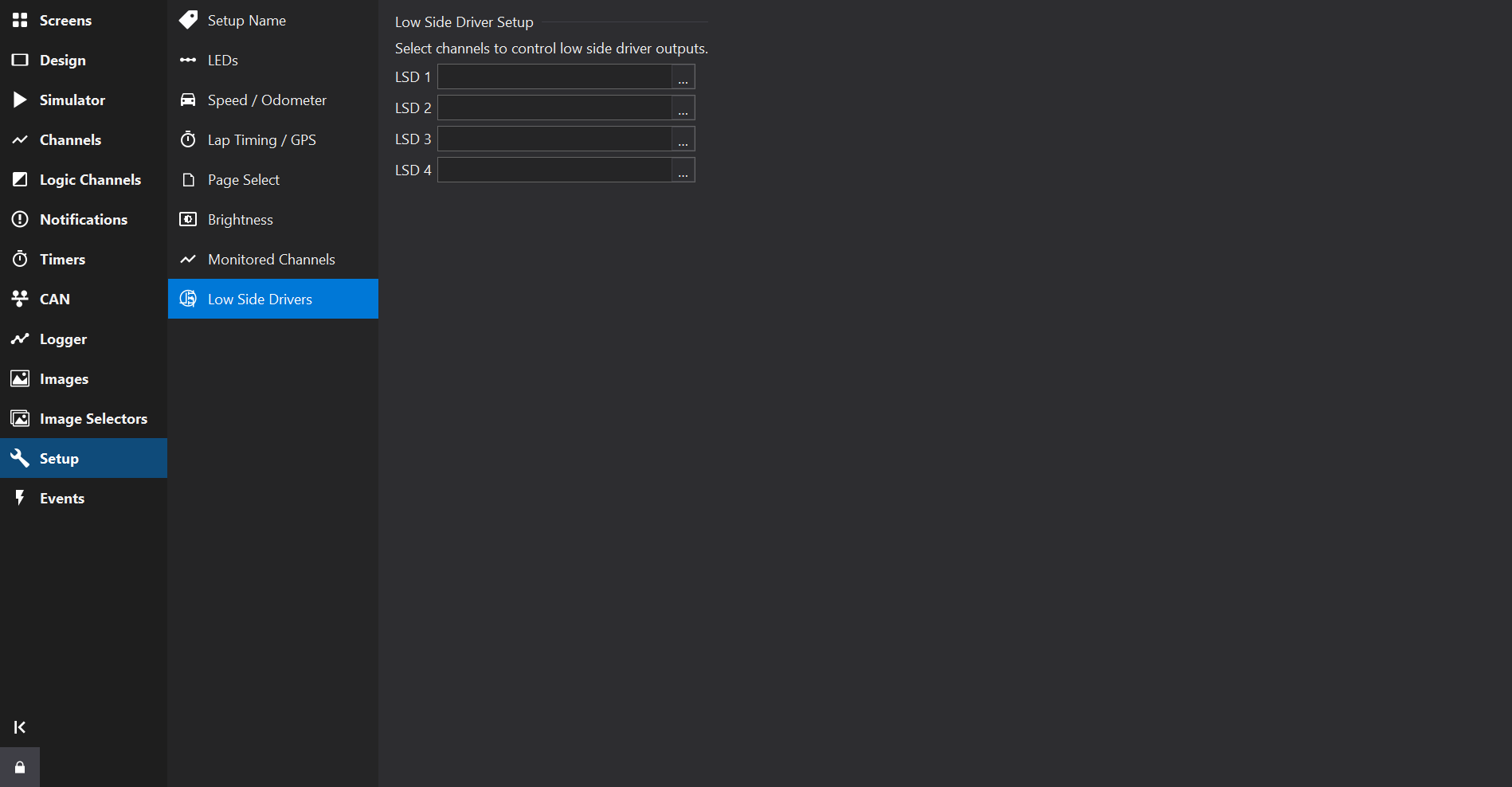
Select a channel to drive each low side driver available on the display - when the channel value is greater than zero, the output will be on.
The display name of each low side driver may be edited to describe its purpose.
Output Properties
Depending upon the display type and firmware version, additional properties may be available for each output.
PWM Outputs
On displays with PWM-capable outputs (for example CD6), each output has the following properties:
| Property | Description |
|---|---|
| Input | The channel that controls the output. |
| Output Mode | On/Off: the output is switched on when the input is non-zero. Variable Frequency / Fixed Duty: the input channel controls the PWM frequency. Variable Duty / Fixed Frequency: the input channel controls the PWM duty. Variable Duty and Frequency: both the duty and frequency are variable. |
| Frequency | The fixed or initial PWM frequency. |
| Frequency Input | For variable frequency modes, the channel that controls the PWM frequency. |
| Duty | The fixed or initial PWM duty (0-100%). For variable duty modes, the input channel controls the duty. |
| Invert Output | If enabled, an input value of 1 drives the output OFF. |
Some outputs share a frequency timebase (for example on CD6, LSD 1 & LSD 2 share one timebase and LSD 3 & LSD 4 share another). If either output of a pair uses a variable frequency mode, the frequency settings apply to both outputs of the pair.
Frequency Outputs
On displays that support frequency output mode (for example GLW-43, LFRW-43 and LDS4), an output may be driven from a frequency source:
| Property | Description |
|---|---|
| Frequency Clock | Enable to use frequency output mode, or Disabled for a normal on/off output. |
| Frequency Input | The channel that sets the output frequency, when Frequency Clock is enabled. |