General
Overview
For applicable displays (for example CD6), the General page provides display-wide rendering settings.
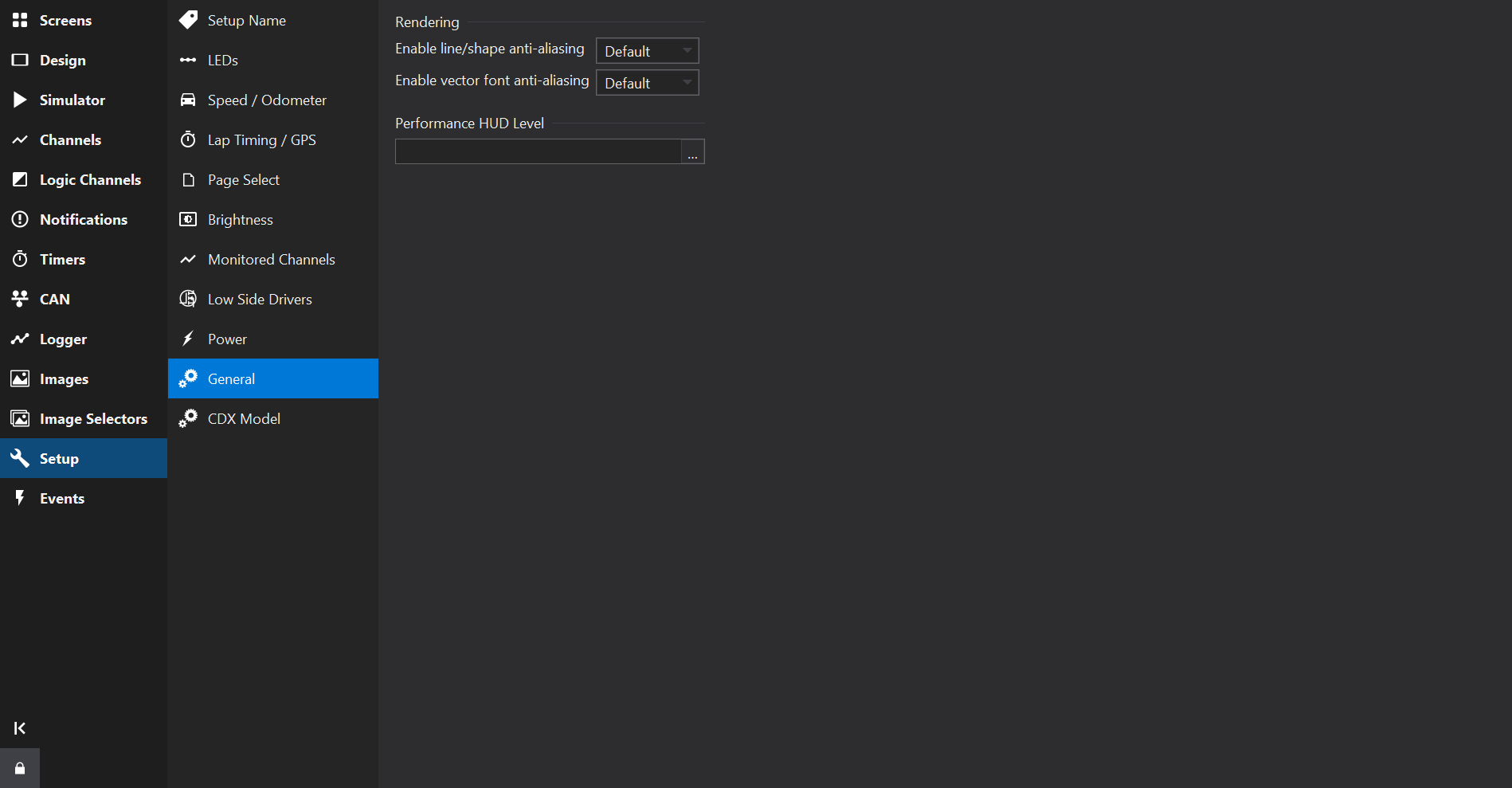
Rendering
| Setting | Description |
|---|---|
| Enable line/shape anti-aliasing | Enables anti-aliasing (smoothing) of lines and shapes. This is the default for the Enable AA property of screens and gauges; see Standard Gauge Properties . |
| Enable vector font anti-aliasing | Enables anti-aliasing of vector fonts. Does not apply to bitmap fonts; see Font Types . |
Each setting may be set to Yes, No or Default. Default removes the setting from the setup so that the display’s own default is used; this avoids warnings when the setup is used with older firmware versions that do not support the setting.
Anti-aliasing may affect performance on some displays.
Performance HUD Level
Select a channel to control the performance heads-up display, which shows rendering performance information on the display:
- 1 - shows the frame rate (FPS) only.
- 2 - shows detailed performance information.