Brightness
Overview
The Brightness Tab allows selection of a channel for controlling the screen brightness.
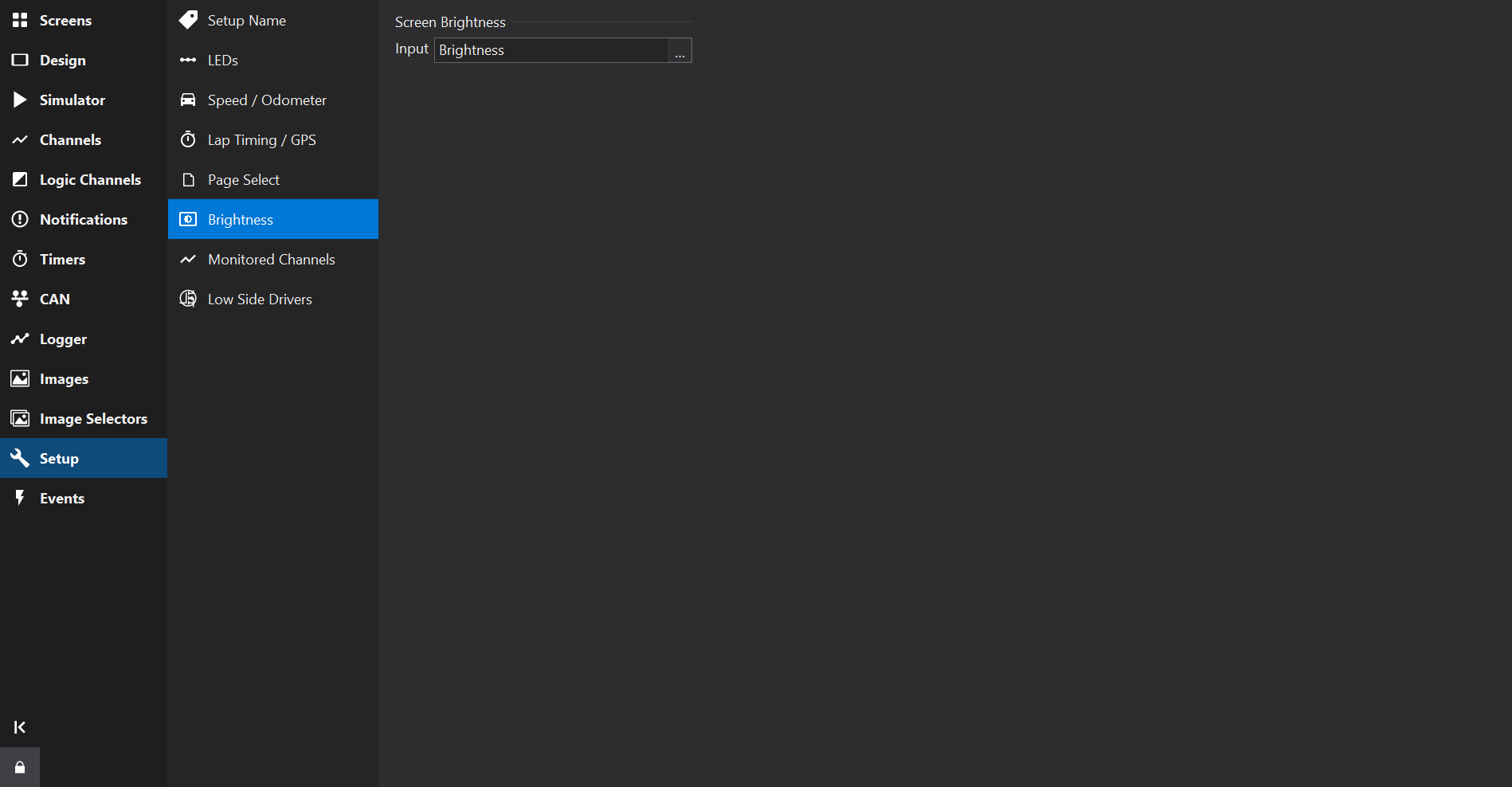
Brightness Input Value
The value of the brightness input channel sets the screen brightness. The channel could be connected to one of the analogue inputs, for example to use a rotary pot to control the brightness, or it could be controlled from an ECU via the CAN bus.
For most displays, the input is a percentage from 0 to 100 %. Values outside this range are limited to it.
- On LDS35, ZDU, GLW-43 and LFRW-43 displays, 0 switches the backlight off. When no channel is configured, the display uses the last brightness level it stored, or 100 % if none has been stored.
- On CD6 displays, the minimum is 1 %, so the screen is never switched off. When no channel is configured, the brightness is 100 %.
LDS4 displays use the coarse or fine ranges described below instead of a percentage.
LDS4 Coarse Control (0…7)
The coarse control has eight brightness levels which can be selected by configuring a channel to produce a value in the range 0…7, with 7 being brightest. This mode is adequate for single seater/ steering wheel use where the display will be used in daylight conditions.
LDS4 Fine Control (129…191)
The fine control has 63 brightness levels which can be selected by configuring a channel to produce a value in the range 129…191 with 129 being the darkest, 191 the brightest and 160 the default brightness value.
Note
On AMOLED LDS4 displays, coarse levels 6 and 7 (and the top of the fine range) are over-driven for extra brightness, but this results in a loss of image contrast. On LDS4 displays with an LED backlight, coarse level 5 and fine level 160 are already full brightness, so higher values make no difference, and coarse level 0 or fine level 129 switches the backlight off.
Fixed Brightness
If a fixed brightness is required, create a maths output whose equation is the brightness value required and use this as the brightness input.