Notes
The notes object can be used to place notes in the tab areas. Select ‘add Notes’ when adding an object. For how to add objects see the Adding an Object section.
Once you have added the note object you will be given a blank area to write in:
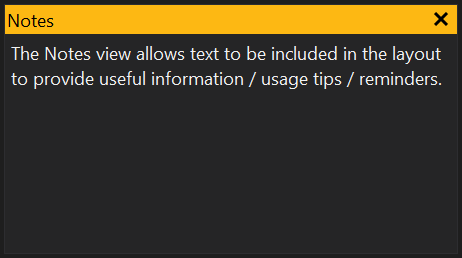
The notes object can be resized and the font size can be changed, by right clicking on the object, selecting ‘Properties’ and changing the font size property.
Note
The notes object is different to Calibration Notes as they are not stored in the calibration. They will be saved as part of your tabs file when the current tab or all tabs are saved.
View Properties
Properties editable via the properties editor.
| Property | Script ID | Description |
|---|---|---|
| Title | title |
The title of the window. |
| Script ID | id |
The scripting ID of the window. Can be used as an alternative to the title for searching for windows from scripts. |
| Tool Tip | tooltip |
Window tool tip. |
| Font Size | font_size |
Size of the text. |
| Edit Calibration Notes | edit_calibration_notes |
If enabled then the view edits the notes of the Calibration file. |