Program Clock
Overview
programs the PC’s local date and time into the display’s real-time clock, for displays that have one.
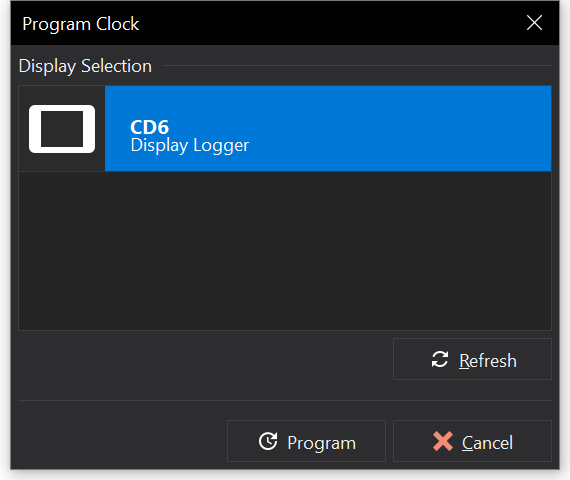
Programming the Clock
- Ensure that the Display Module is attached to the PC.
- Select .
- Select the Display Module from the Display Selection list. Typically there will only be one, so the first item is selected by default.
- Click Program.
The progress and a log of messages are shown. If the process fails, refer to the message log as it may identify the cause.